Google Ads. Meta Ads.
One growth focus.
Plan campaigns, manage execution, and review performance with XerAds. Bring your Google Ads and Meta Ads workflow together, from the first media plan to your next campaign decision.

Built around your advertising channels
- Google Ads
- Meta Ads
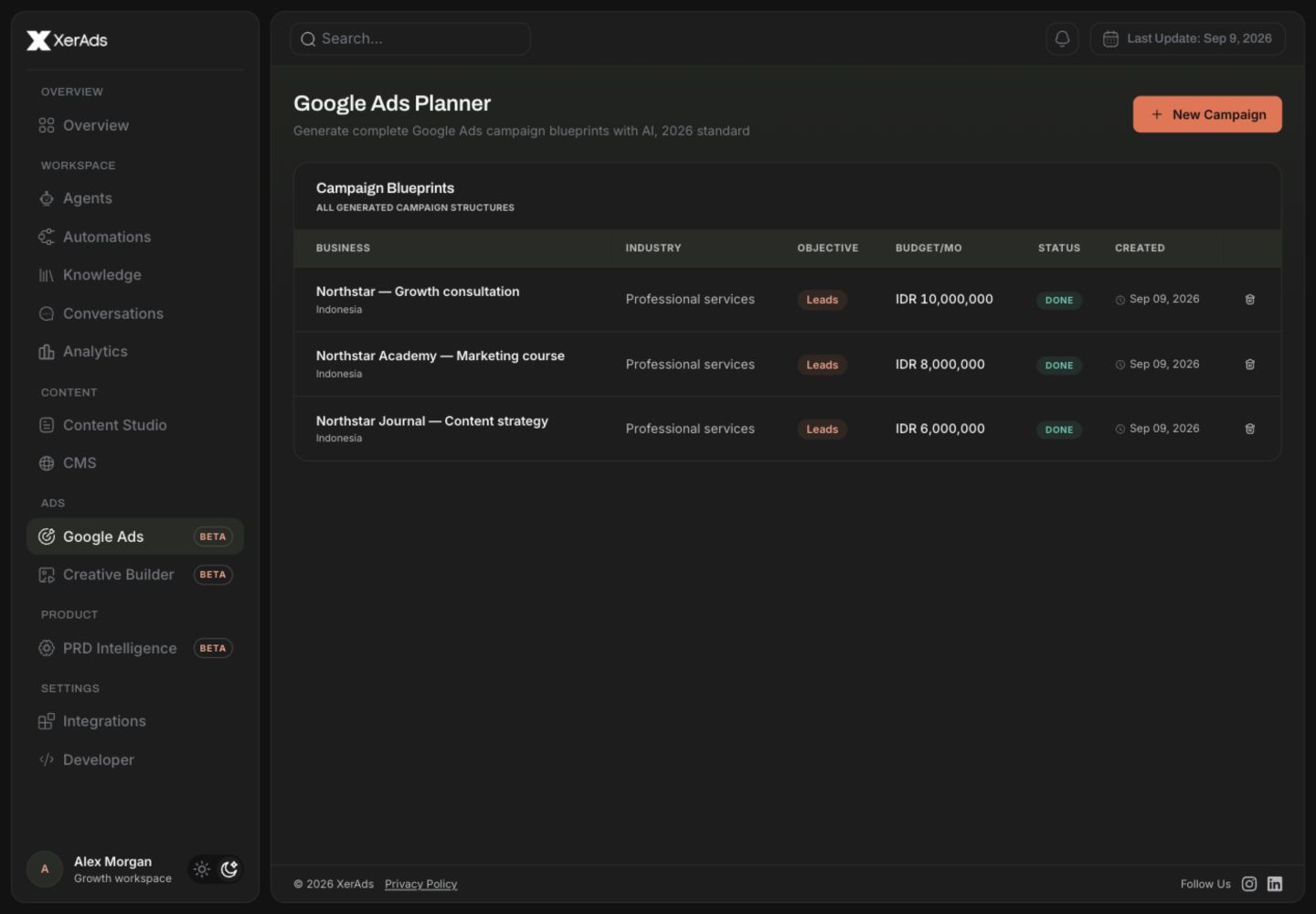
Your campaigns, from planning to performance.
Make Google Ads and Meta Ads the centre of your growth workflow. Build from a media plan, use the right account setup for each channel, and review results before deciding what comes next.
Google Ads Management
Link your Google Ads account to XerAds' manager account and build campaigns from your media plan. For app growth, XerAds also offers managed Google App Campaigns.
Meta Ads Management
Prepare Facebook and Instagram campaigns through partner access to your ad account and Page. Campaigns start paused; activation and budget changes wait for your approval.
Start with a media plan
Turn your offer, objective, audience, and budget into a campaign direction your team can work from.
How your Google Ads account connects
XerAds manages Google Ads through its own Google Ads manager account. Your ad account, its billing, and its campaigns stay yours.
XerAds uses your Google Ads data to provide the features you use. It does not sell it or use it for advertising. Read how we handle Google data
-
Invite or connect
Enter your Google Ads customer ID and XerAds' manager account sends a link invitation, which an administrator of your account accepts in Google Ads. A XerAds administrator confirms the account is yours before XerAds starts working on it. Where Connect with Google is available for your account, you can sign in with Google and choose the accounts to link instead.
-
Through XerAds' manager account
Once linked, XerAds reads the account and makes the changes you ask for through its manager account. There are no API keys to set up, and XerAds never asks for your Google password.
-
Spending waits for your approval
Campaigns XerAds builds start paused. Xera asks for your approval before it launches a campaign, changes a budget, or applies or dismisses one of Google's recommendations.
-
Remove it at any time
Remove the account from XerAds, or end the link in Google Ads under Admin > Access and security > Managers. Live campaigns keep running in Google Ads until you pause or end them, and XerAds deletes its copy of the account's data 30 days after the link ends.
Three steps to a clearer ads workflow
Plan the campaign
Define your business objective, offer, audience, and budget. Use the media plan to set the direction for Google Ads or Meta Ads.
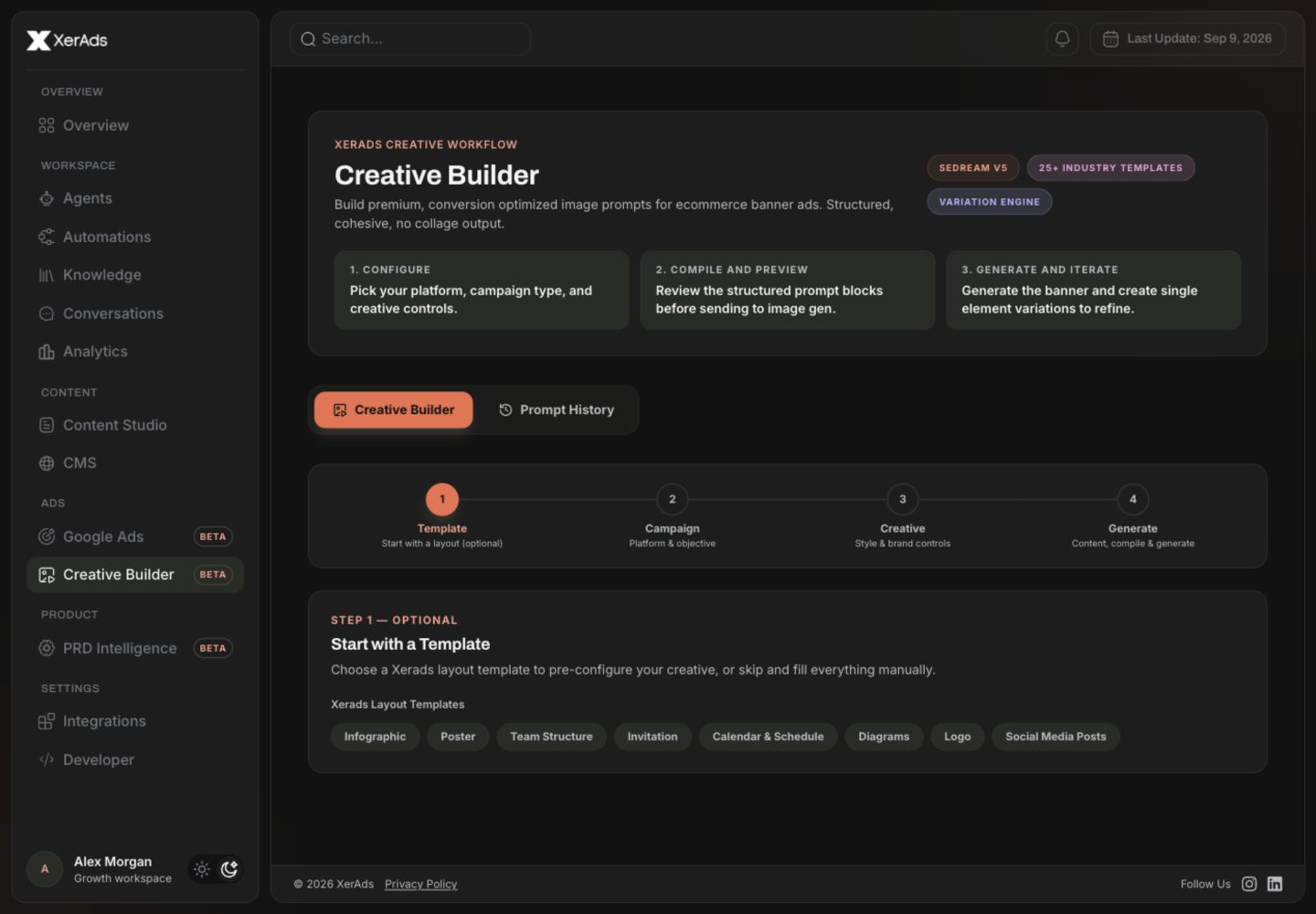
Prepare the execution
Link your Google Ads account to XerAds' manager account or share Meta partner access. Prepare campaign assets and review the setup through the workflow for your chosen channel.
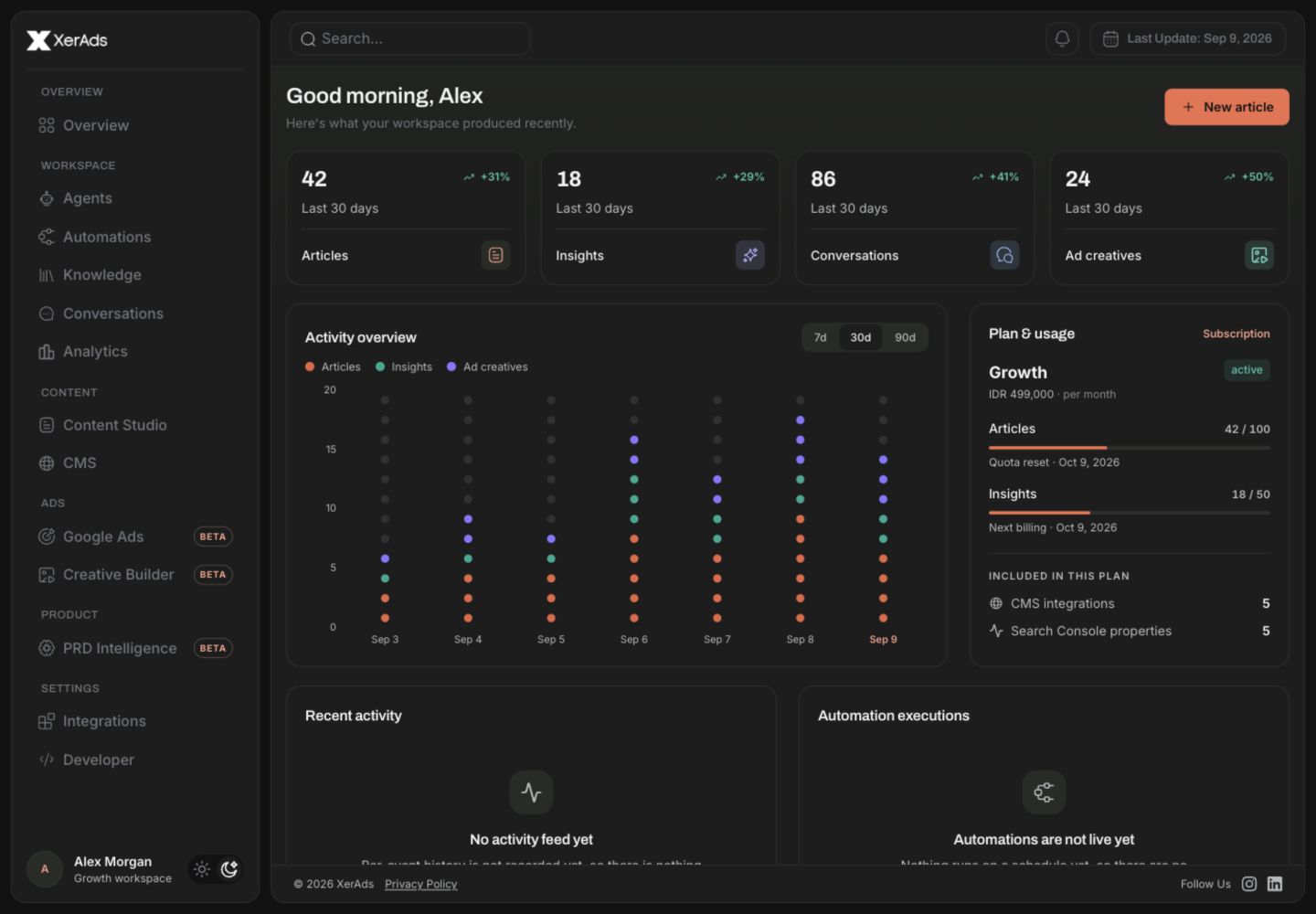
Review and improve
Review campaign reports and discuss the next change. Campaigns XerAds builds start paused, and Xera asks for your approval before it launches a campaign or changes a budget.

Let results guide the next plan
Use Xera to look up campaigns and results on your linked Google Ads and Meta accounts, then bring those findings into the next brief. Xera asks for your approval before it launches a campaign or changes a budget.
Need a team behind your paid ads strategy?
Discuss your adsGive every campaign a clear direction
A plan before you spend
Agree on the offer, audience, and budget before campaign setup. A shared media plan gives your team a clear starting point.
Decisions grounded in performance
Use campaign reporting to review spend and results, identify what needs attention, and decide what to test next.
Creative that supports the campaign
Use Creative Builder and your brand context to prepare campaign assets. Content tools support the ads workflow alongside planning and reporting.
Ads workflows for the way you grow
From agency briefs to in-house campaign reviews, start with the advertising workflow that fits your team.

Campaign planning
Turn your objective and budget into a structured media plan, with audience direction, campaign structure, and ad copy to review.

Channel-specific access
Link Google Ads through XerAds' manager account, with no API keys to set up, and share partner access for Meta. Xera asks for your approval before it launches a campaign or changes a budget.

Content Builder, alongside your ads
Create articles, prepare branded creatives, and publish to your CMS when your campaign needs supporting content.

Trusted by teams shipping real growth
XerAds cut our content production time by four. We now publish thirty SEO articles a month that actually rank, without adding another writer.
The Google Ads Planner alone is worth the subscription. We had a complete blueprint in twenty minutes, before spending a single rupiah.
We optimised more than five hundred product pages in two weeks. Organic traffic doubled, work that normally takes us months.
One Plan Away from Better Marketing
These are workspace subscription plans. Advertising spend and managed-service fees are scoped separately; discuss your needs with our team.
Connect the accounts behind your campaigns

Google Ads
Link your Google Ads account to XerAds' manager account and build campaigns from your media plan, with no API keys to set up.

Meta Ads
Share partner access to your ad account and Facebook Page. XerAds support assigns the account to your workspace.

Campaign reporting
Review campaign and insight snapshots after syncing your connected ad account. Use the results in your next planning discussion.

Supporting content & CMS
Keep Content Builder and WordPress publishing close when your marketing needs articles and creative assets alongside paid ads.

Built around your ads workflow
Connect planning, campaign execution, and performance reviews, with content tools ready when you need them.
Your next campaign. A clearer direction.
Create your XerAds workspace and explore the Google Ads or Meta Ads workflow that fits your business.
Get started with XerAds